- Published on
Wallper: Live Wallpapers That Leave the Mac Alone
6 min read
- Authors
- Name
- Kiarash Soleimanzadeh
- https://go.kiarashs.ir/twitter


Table of Contents
I have installed and deleted about six live wallpaper apps over the years. The pattern is always the same: it looks great for a day, then Activity Monitor shows a background process pinning a CPU core, the fans spin up during a video call, and the whole thing gets dragged to the Trash. Wallper is the first one I have kept past the first week.
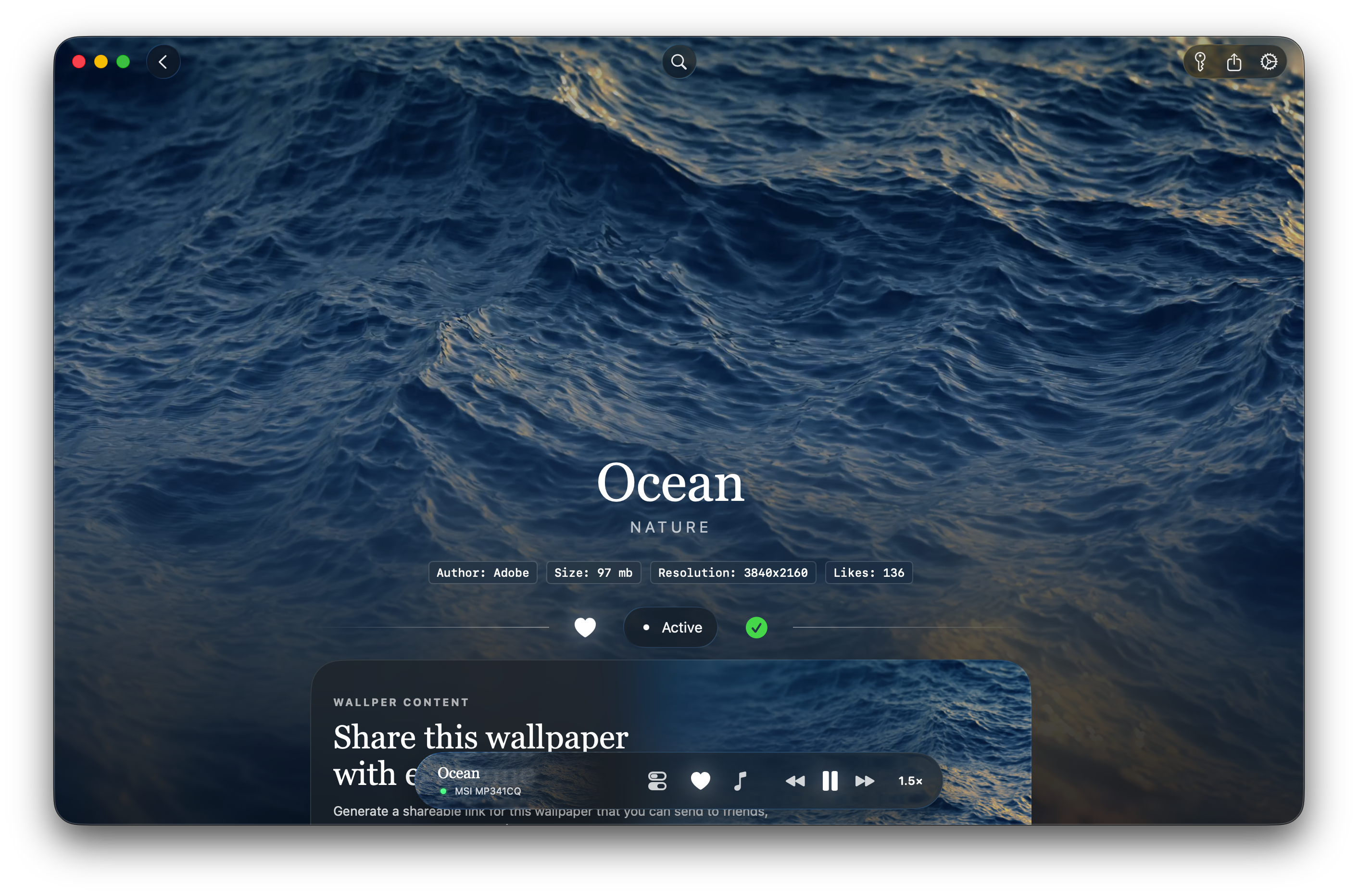
The reason is architectural. It sends video to the GPU's decoder rather than making the CPU do the work in software, and it paints into the desktop layer instead of hovering a window over it. In practice that means the desktop stays a desktop. Icons still sit on top, clicks land where you aimed them, Mission Control does not stutter.
A 4K loop playing behind a normal working desktop, with the Dock and menu bar untouched on top of it.
Install is a .dmg from the developer's GitHub releases, not the App Store. macOS asks for nothing during setup: no Accessibility prompt, no Screen Recording prompt. Anyone who has watched a wallpaper tool demand system-wide permissions before drawing a single frame will appreciate the difference. It needs macOS 14.6 or newer and runs natively on both Intel and Apple silicon.
Picking something to run
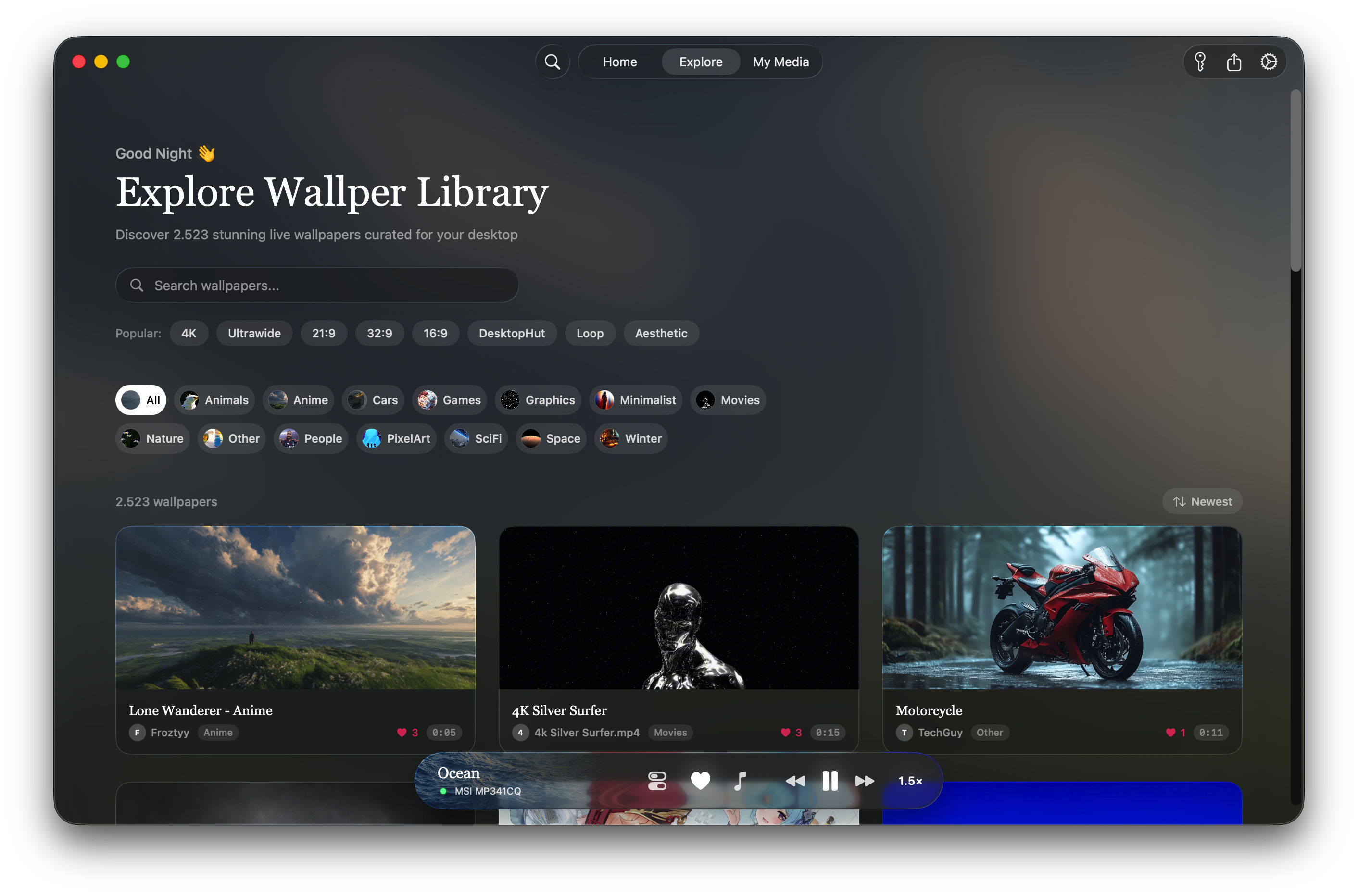
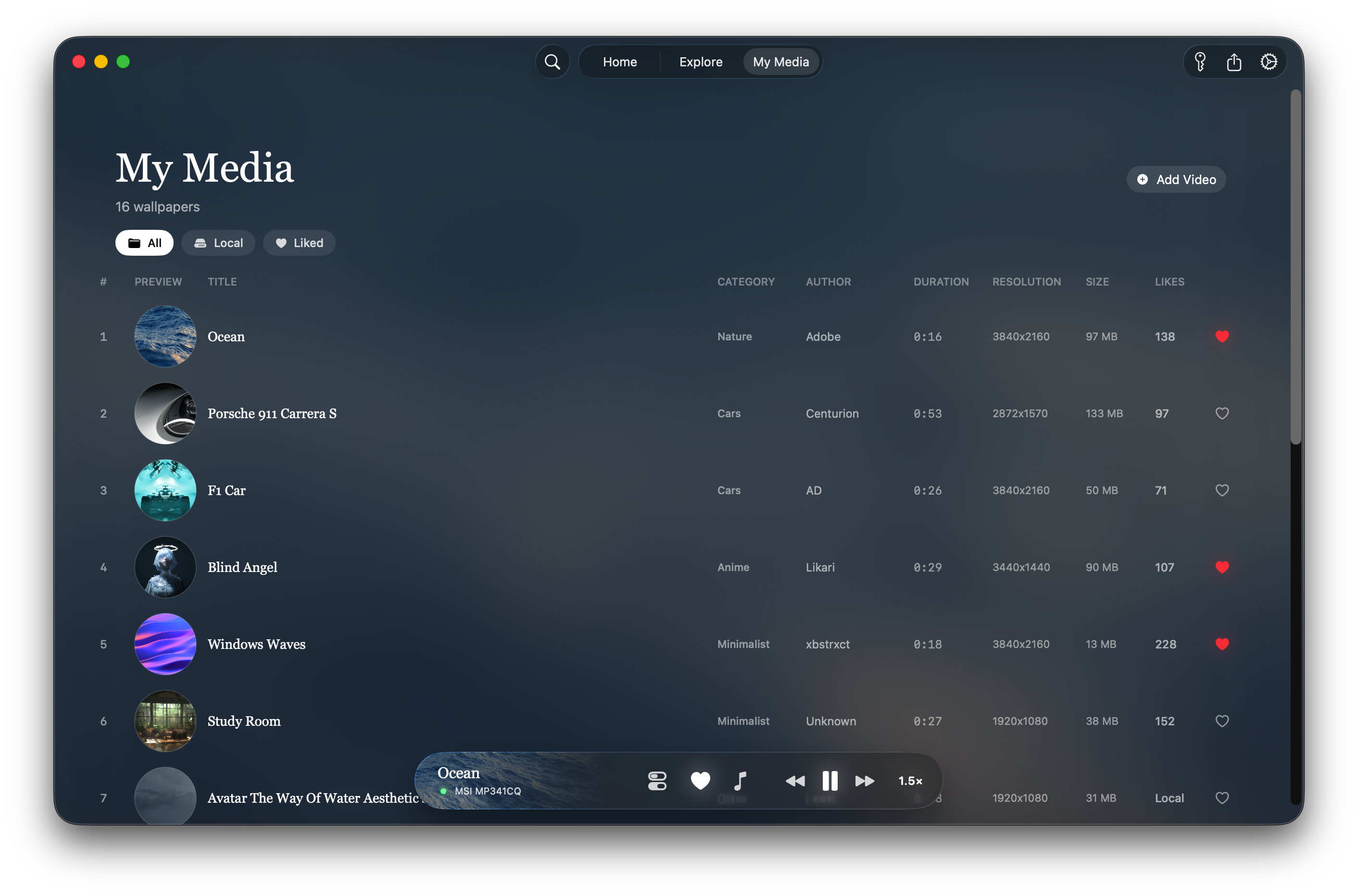
The library lives inside the app. You browse, you click, it starts playing. Each card shows resolution, file size and clip length, which I ended up caring about more than I expected, because a 3840x2160 clip lands somewhere between 25 and 50 MB and a browsing habit turns into a few gigabytes fast.
One small thing worth flagging: the site cannot decide how big the collection is. The pricing page claims 2,700 or more wallpapers, the performance page says over 3,000. User counts drift between 70,000 and 90,000 depending on which page you read. Neither number affects the software, but if a company is loose with the easy figures I want to know before I trust the hard ones.
The lock screen, which is the actual selling point
Apple never gave us moving video on the lock screen. Wallper does, on macOS 26 and later, by passing playback to the system's own path rather than faking it with an overlay. Below macOS 26 you get the desktop and the screensaver and that is all, so check your version before you reach for a card.
Video running on the macOS lock screen through the system pipeline.
What it actually costs you
Wallper publishes its own figures and labels them as internal testing on Apple silicon, 4K HEVC, default settings: 1 to 5% idle CPU, 1 to 3% extra battery drain. They also print the caveat themselves, that your chip, resolution, display count and audio settings all move the result. So: vendor numbers, honestly labelled, not independent benchmarks. On my machine the fans have stayed quiet, which is the only test I can personally vouch for.
The part I find more convincing than any percentage is how aggressively it stops playing. Four conditions kill decoding, and you can turn each of them off:
- A window goes full screen, so a film or a game or a presentation is never competing with a wallpaper nobody can see
- The Mac comes off mains power, and the wallpaper freezes on its current frame as a still image
- CPU load passes roughly 80%, at which point it gets out of the way of whatever you are really doing
- The display goes to sleep and it stops drawing entirely
That second rule confused me for a solid minute. I unplugged the laptop, the picture froze, and I assumed something had crashed. It is a default, and there is an always-on toggle in Preferences if you would rather burn the battery. There is also a Retina switch: on gives you full 2x resolution, off cuts GPU load, and the change takes effect the next time a wallpaper loads rather than the instant you flip it.
More than one screen
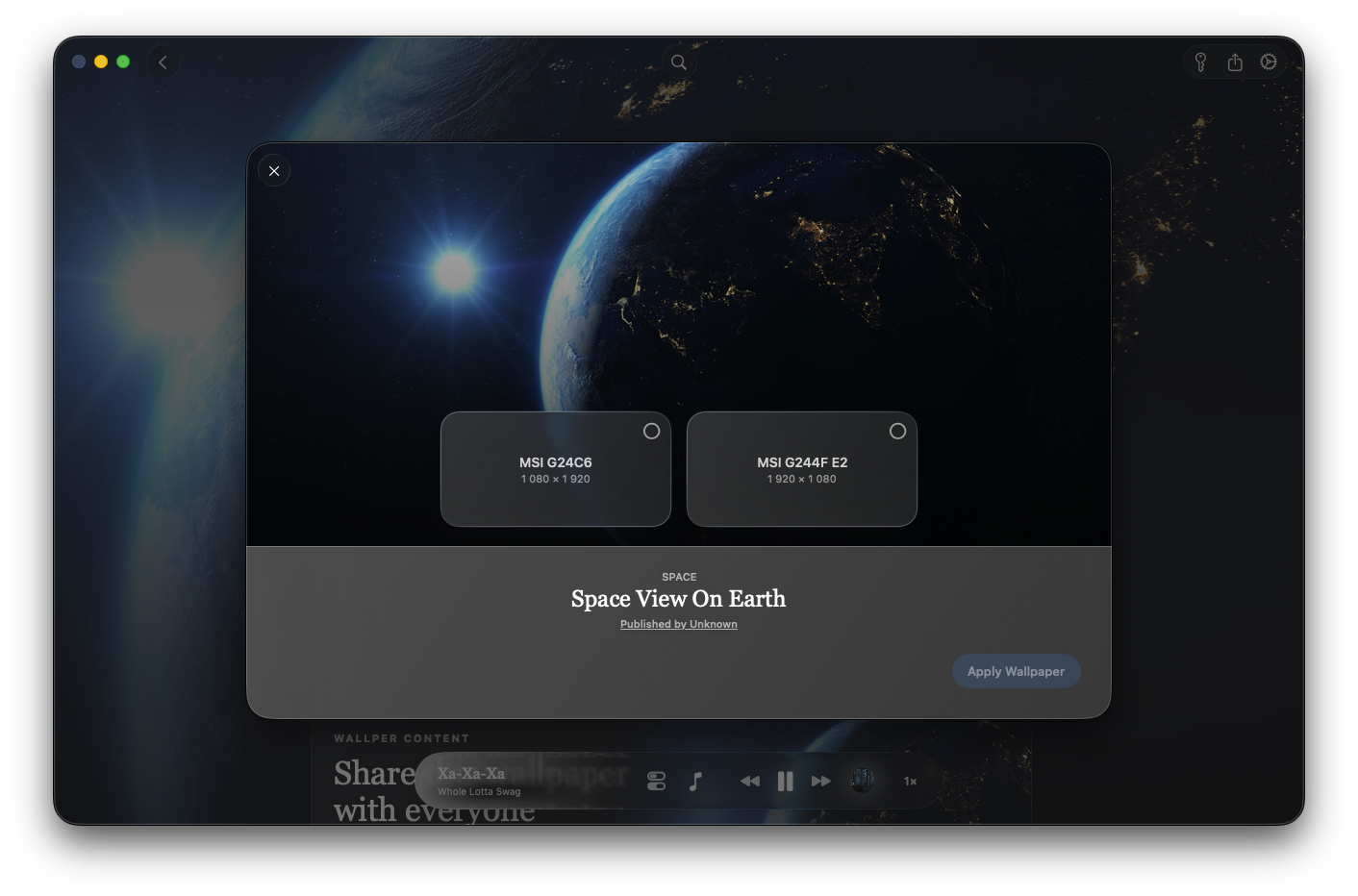
Every display gets its own scene. Heavy clips on monitors you cannot currently see can be muted instead of decoded for an empty room.
Staying out of the way
Pausing, switching and display management all happen from the menu bar, with keyboard shortcuts. I have opened the main window maybe four times since the first evening. For software whose whole job is to sit behind everything else, that is the right shape.
Bringing your own video
Drop in your own files and they become wallpapers. Pro lets you publish to the shared gallery. Pro+ adds cloud sync for your projects, download stats on anything you upload, and a shot at being featured.
Search by colour
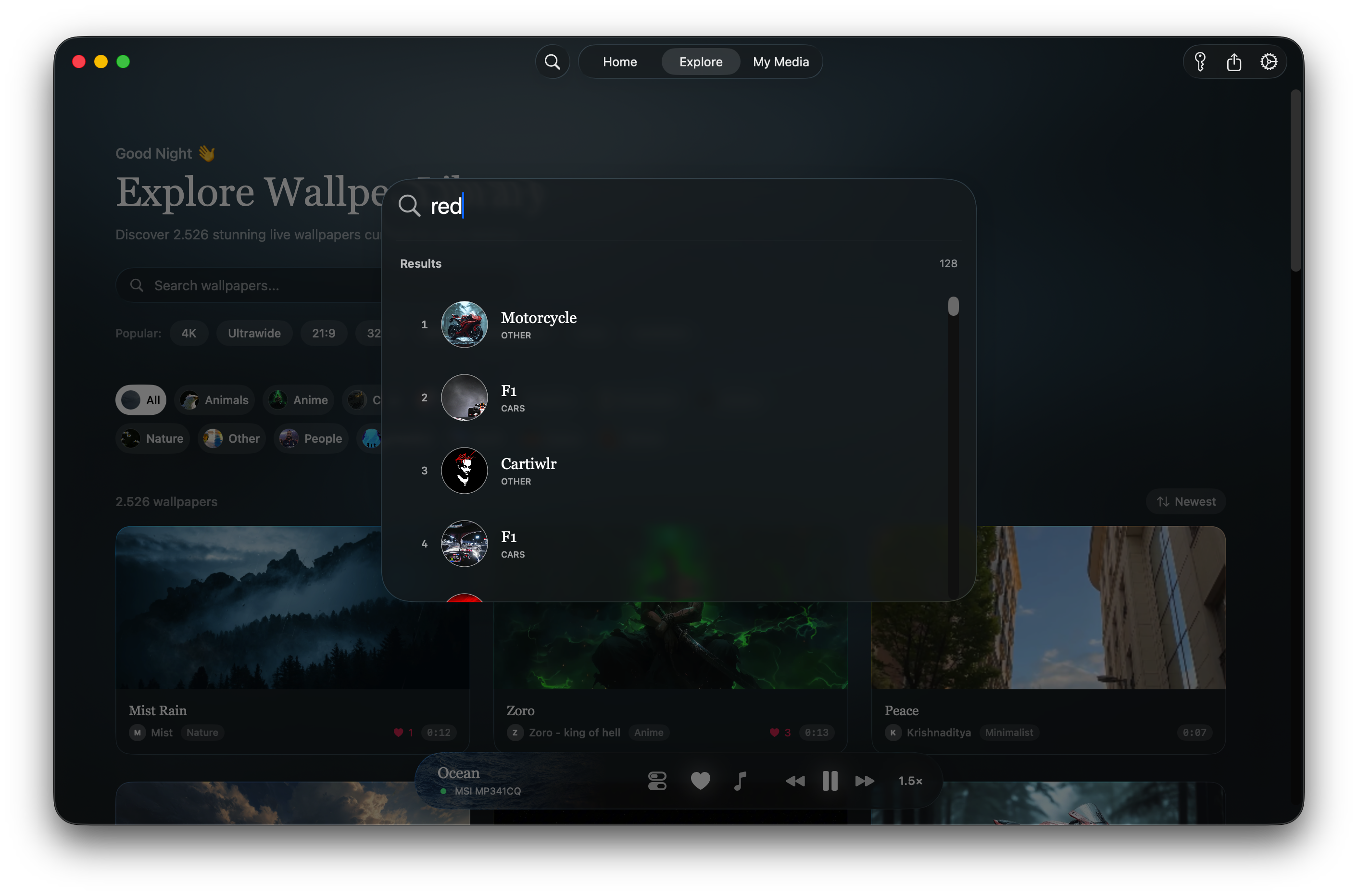
You can filter the library by the dominant colour of the video. It sounds like a gimmick. It is the fastest way I have found to get something that will not clash with the app I stare at for eight hours.
Price, and the two catches
Pro costs $14.99 once and covers three Macs, with updates included and no subscription attached. Pro+ is $24.99 for five Macs and the creator tools. Enterprise starts at $59 with an admin console, MDM deployment through Jamf, Kandji or Mosyle, and SSO. The trial is seven days, no card, and the app locks itself when time is up. Refunds run 14 days.
Catch one: the lock screen, the feature that justifies paying anything at all, requires macOS 26. On Sonoma or Sequoia you are buying a desktop and a screensaver.
Catch two: this is a small operation. One developer's GitHub, a Discord for support, an LLC registered in Wyoming, and a promise of email replies within a business day or two. "Lifetime updates" is worth however long the company lives. At fifteen dollars that is an easy gamble. At fifty seats and a purchase order, I would want a conversation first.
Neither catch changed my mind. The engineering decisions here are the ones I would want somebody to make on my behalf: hardware decoding, no daemon, no permissions, no overlay, and pause rules written by someone who evidently uses a laptop on battery. Most of the competition gets at least two of those wrong, and you can feel every one of them in the fan noise.