- Published on
What I actually use Droppy for: clipboard, music, and Droplets
5 min read
- Authors
- Name
- Kiarash Soleimanzadeh
- https://go.kiarashs.ir/twitter


Table of Contents
I installed Droppy expecting to use the file tray, because that is what notch apps are usually for. I barely touch it.
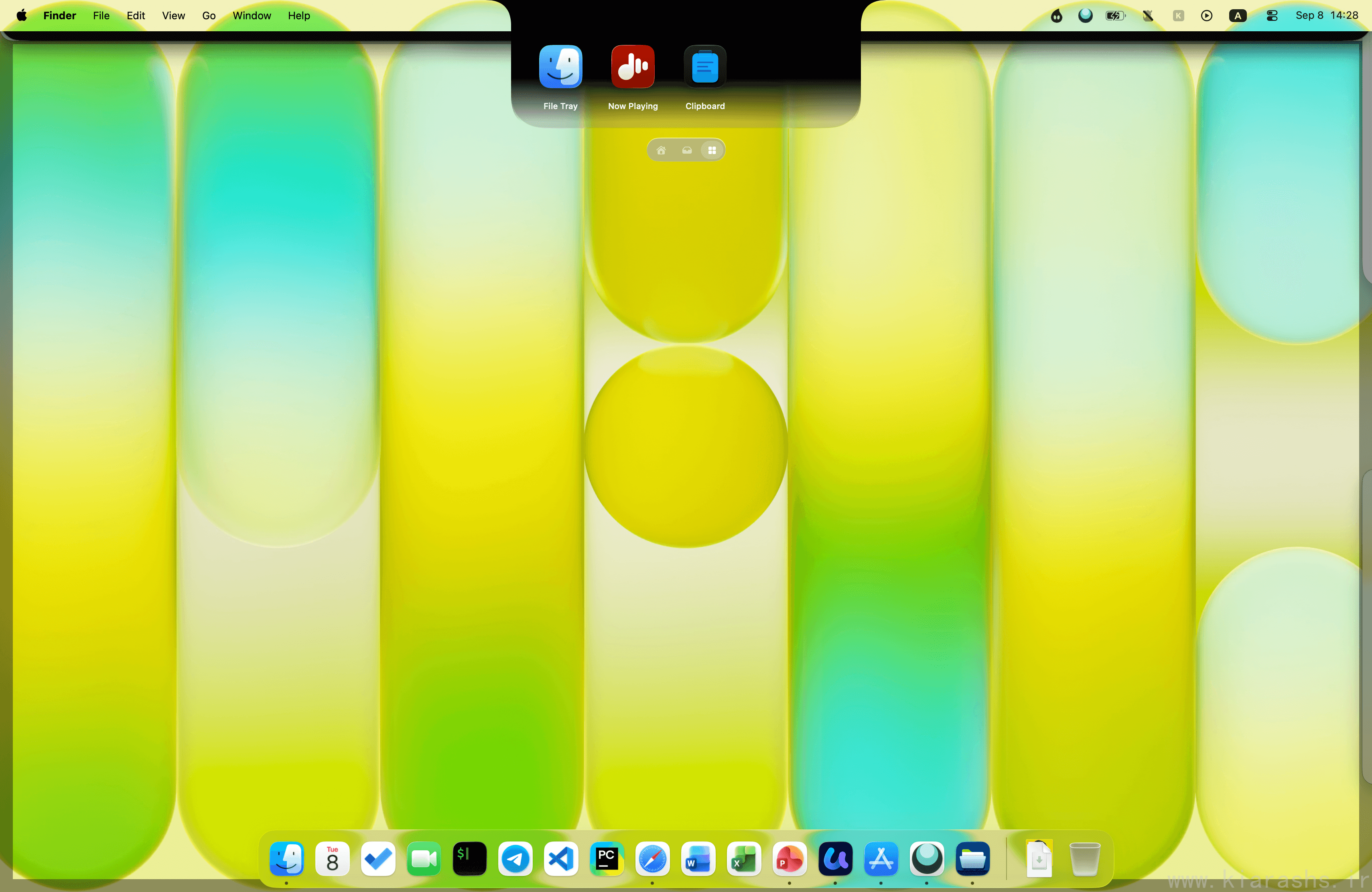
What I open twenty or thirty times a day is the clipboard history. The media player took over from the mini-player I used to keep in the menu bar, and the Droplets earned a permanent slot. Everything else I turned off. This is a review of that narrow slice, not a tour of all thirty-five extensions.
The clipboard is the reason I paid for it
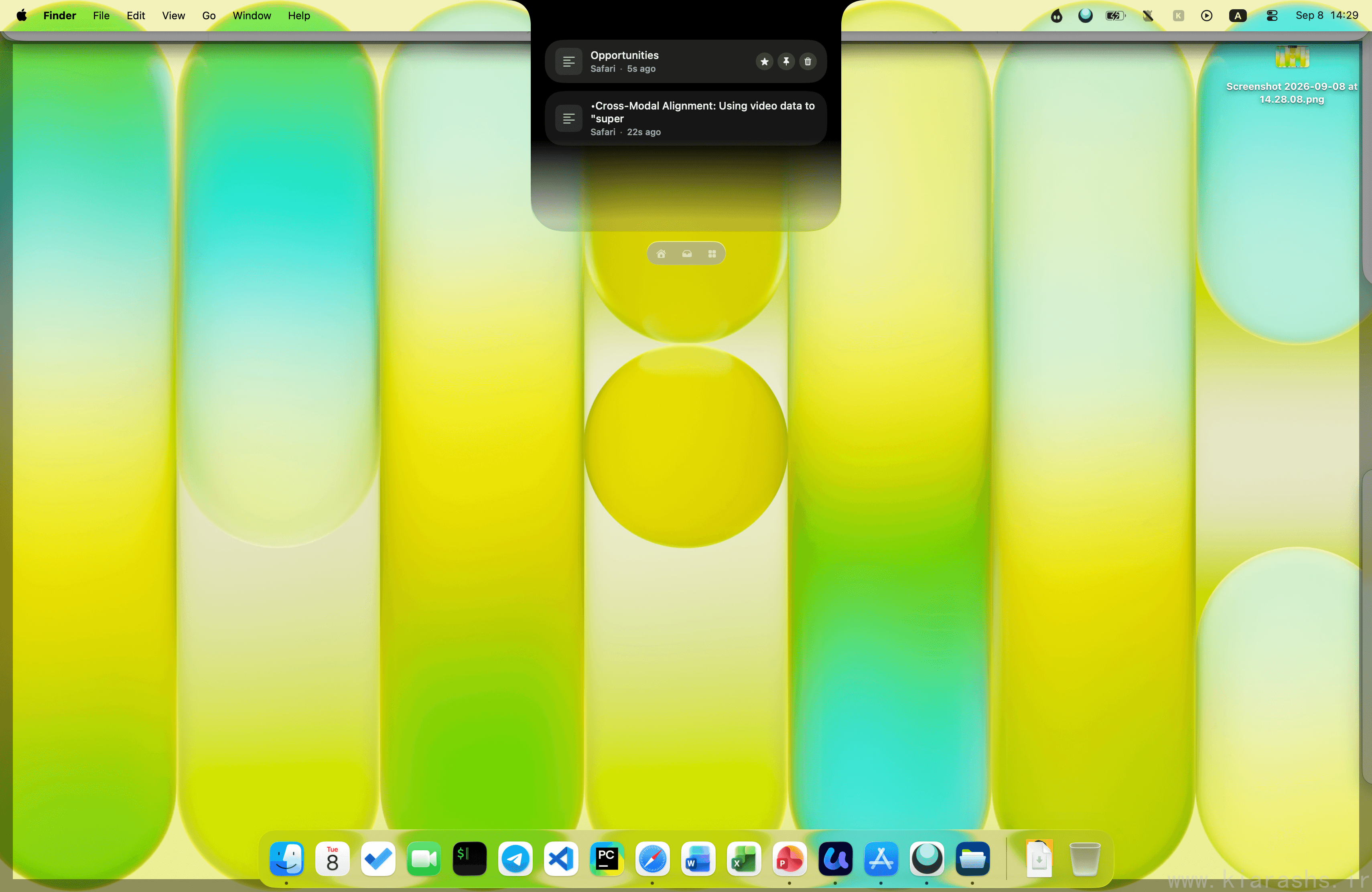
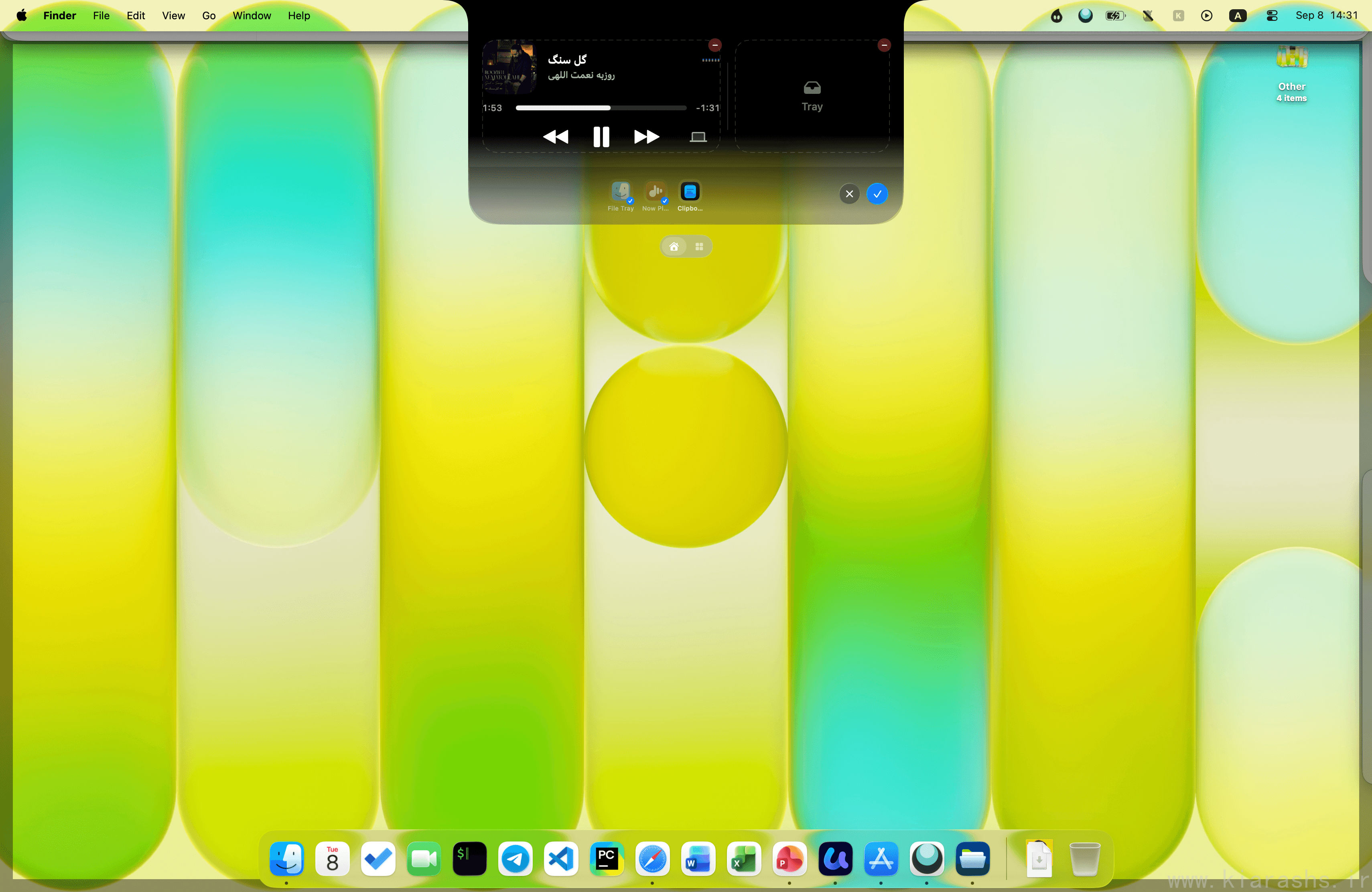
Every copy goes into a list you can pull down and scroll. Text, links, images, file paths. Type a few characters and it filters. That is the whole feature, and it is the one I would miss most if the app disappeared tomorrow.
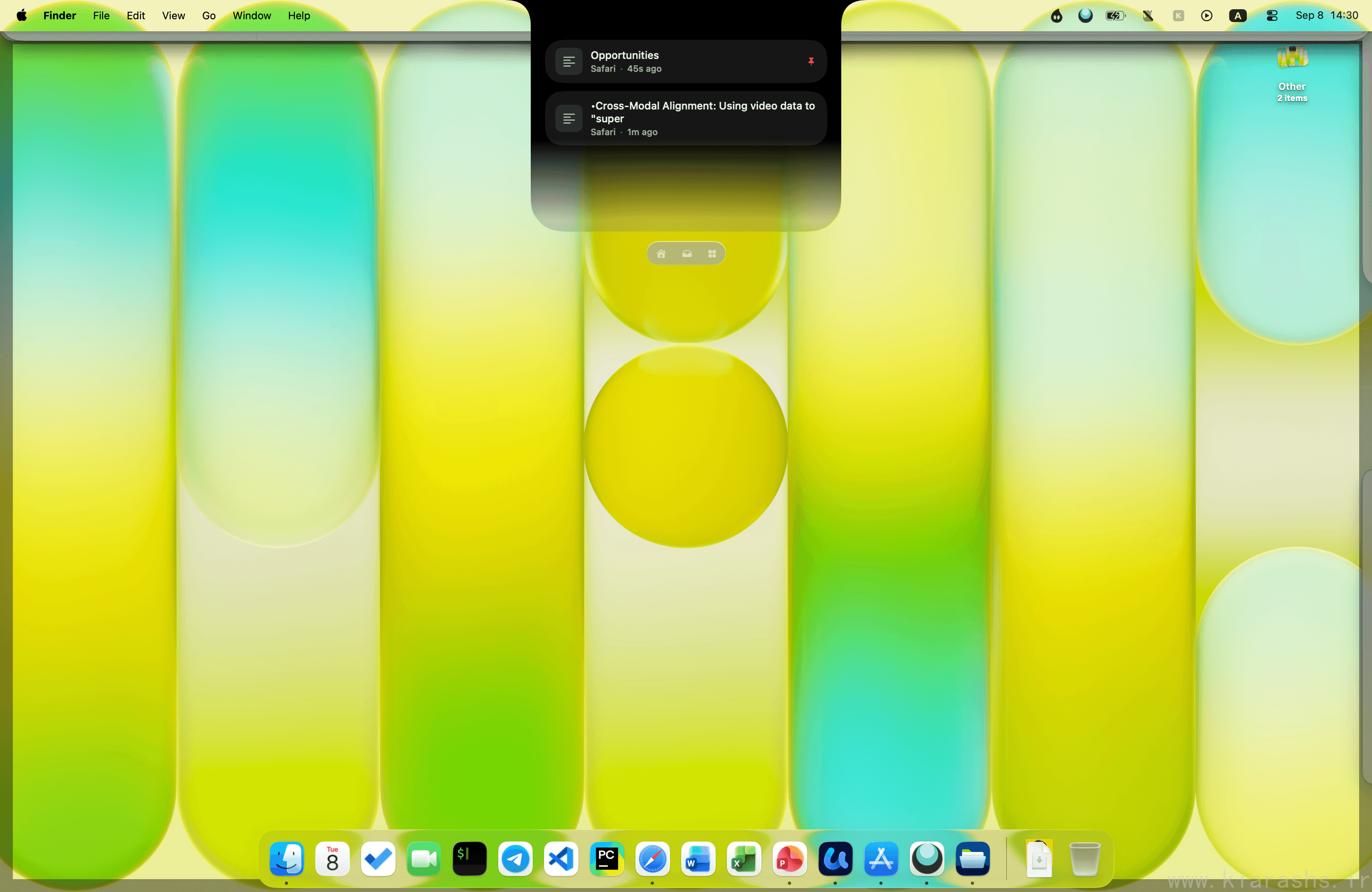
The part that changed how I work is the pinboard. Anything I need repeatedly (the API base URL I keep retyping, a boilerplate reply, the address of the office) gets pinned and stops aging out of history. I ended up with a few groups: one for work snippets, one for prompts, one for junk that only matters this week.
Droppy says clipboard and file data is processed on your device and never transmitted. That matters here more than in most apps, because a clipboard manager sees your passwords, your tokens and every half-written message you copied out of a text field before rewriting it.
Music, without another window
The media controls live in the same place, which means I stopped alt-tabbing to a music app to skip a track. Album art, a scrubber, the queue, and an output picker that lists AirPlay targets so I can throw audio at the living room speaker without opening Control Center.
The lyrics view follows along line by line. I did not expect to care about that and now I leave it open.
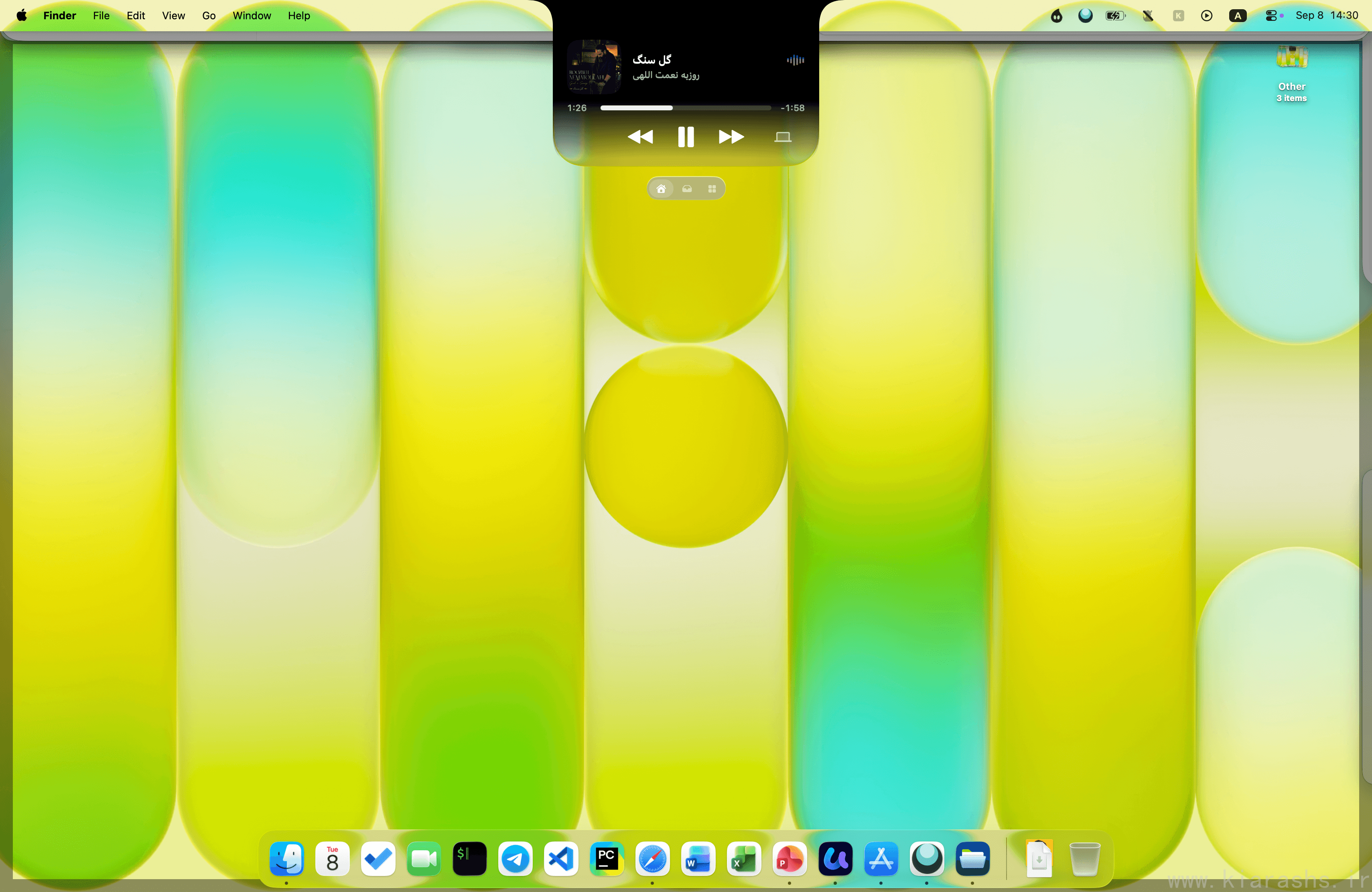
The lock screen got the same treatment. Album art, controls and sliders before you log in. It is a cosmetic win rather than a practical one, but it is the thing people ask about when they look over my shoulder.
The Droplets I kept on
Droplets are extensions built into the app. You switch them on individually and they only run when activated, so the app does not sit there loading things you never asked for. Thirty-five ship free with the license.
Ring is the one I use without thinking. Hold a shortcut and a ring of actions opens around the cursor, wherever the cursor happens to be. Mine has screen capture, grab text, and play/pause on it. No menu bar trip, no window.
OCR does what the name says: pulls text off the screen, out of images and out of PDFs. Mostly I use it on screenshots people send me in Slack instead of asking them to paste the text.
Pomodoro keeps the timer ticking in the notch. I have tried and abandoned four Pomodoro apps because they all wanted a window. This one has nowhere to go, so I never close it.
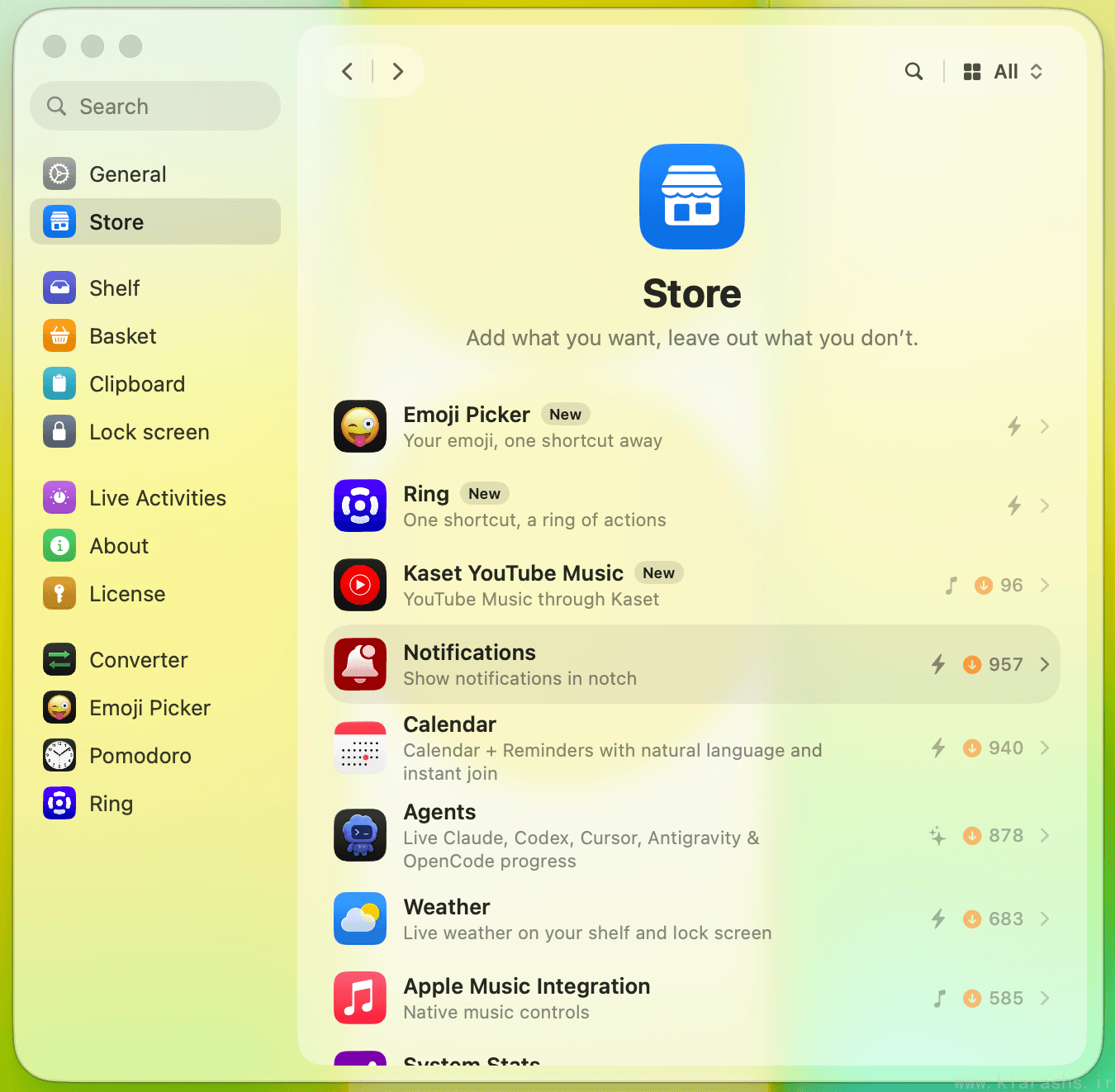
Everything else is off. Element Capture is genuinely good and I use the system screenshot tool anyway. Voice Transcribe works, but I do not dictate. Being able to leave them off is most of why the app stays out of the way.
What I would change
Setup takes a while. Droppy needs Accessibility and Screen Recording permissions to draw over the desktop, which is reasonable for an overlay app, and it also means a trip through System Settings and a relaunch before anything works. It requires macOS 14 or later.
The settings window is deep. My first session with it was an hour of toggling, and I suspect most people either love that or bounce off it. There is no middle setting where the app picks sensible defaults and hides the rest.
I also wish the clipboard had a way to exclude specific apps, so my password manager never lands in history at all.
Worth it?
One payment, two Macs, updates included. I have spent more on a single clipboard manager, and I have spent more on a music mini-player. Droppy replaced both, and I deleted them.
There is an iPhone app on TestFlight that syncs the clipboard across, which I have been using for about a week: copy on the Mac, paste on the phone. It is the first cross-device clipboard that has been fast enough that I stopped checking whether it worked.